

The Boudoir - Marie Antoinette's Private Escape
Art & Architecture
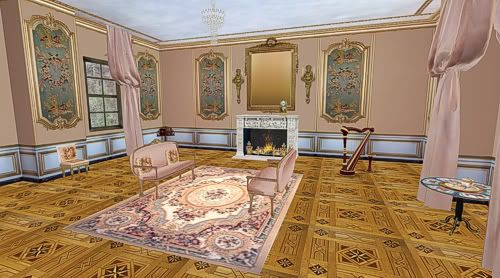 The Boudoir was designed as an extension to The Queen's House and is the smallest building of the Queen's Hamlet. It was used by Marie Antoinette to entertain her closest friends in luxurious privacy.
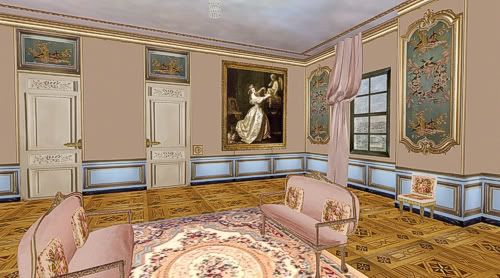 This SL version uses wallpaper details from Phillipe de Lasalle's Les Perdrix (The Partridges) commissioned in the early 1770s as part of the decoration for a salon in the Palais Bourbon in Paris. Read More ...
updated by @tatiana-dokuchic: 11 Oct 2016 04:56:57AM
 You're very luck to be visiting Paris soon (she says as she turns green with envy)!As far as stores go, you may find some leads in our